Meta Is Deleting Additional Facebook Profiles After 14 December 2026: What You Need to Know

You wake up on a Sunday morning, all perked up wanting to try that new cafe at Lebuh Kimberley but can’t quite remember the name. Was it Naunce Cafe, Nurul Cafe, Nuwa Cafe or Nusa Cafe? So you did what was natural, you wanted to tag some friends along the way through your favourite Penang Local Foodie FB group.
However, the page where you’re a member for the last decade doesn’t show up in your search results but you swear it may be just a fluke. You hurriedly check the other Facebook profile you created specifically for your foodie communities, and it is gone.
So what’s with all this unexpected twist of events, I hear you say?
Well, it all boils down to Meta permanently deleting additional facebook profiles after 14 December 2026.
For now, this Sunday morning scenario is hypothetical. But for Facebook users who have built communities, personal connections or business relationships through additional profiles, the approaching deadline is very real.
And if you’re a Malaysian business owner who uses Facebook to manage customer relationships, community groups or marketing activities, this is one platform change worth paying attention to.
Quick Answer: Is Meta Really Deleting Secondary Facebook Profiles?
Yes. On 12 November 2026, Meta announced that additional Facebook profiles created under an existing Facebook account would be permanently removed after 14 December 2026.
The change affects Facebook’s additional personal profile feature, introduced in September 2023, which allowed eligible users to create up to four extra profiles under one account.
Your main Facebook profile and Facebook Pages will not be deleted as part of this change.
However, users with additional profiles should export important information, reconnect with friends and communities, and transfer Facebook group administration before the deadline.
For businesses, the more important consideration is whether customer relationships, community access or operational responsibilities depend on a profile that will soon disappear.
Official announcement: Meta Newsroom – Simplifying How Profiles Work on Facebook
What Is Happening to Additional Facebook Profiles?
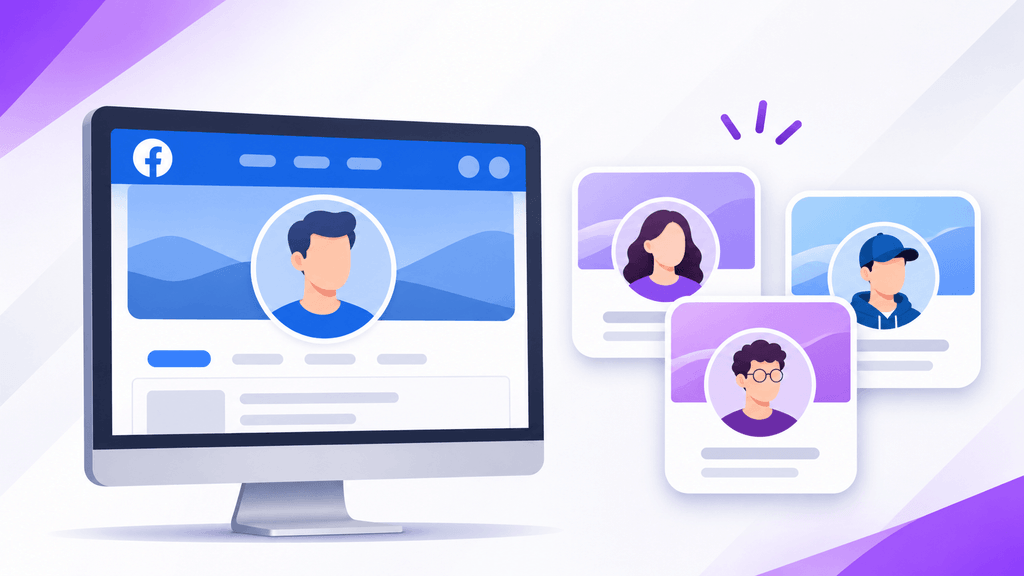
Back in September 2023, Facebook introduced a feature allowing eligible users to create multiple personal profiles under a single account.
The idea was simple.
You could have one profile for family and friends, another for your favourite food communities, and perhaps another for professional interests.
Each additional profile could have its own name, friends, feed and communities, without requiring you to sign in to an entirely separate account.
For many users, this offered a convenient way to keep different parts of their lives separate.
A working professional in Kuala Lumpur, for example, might prefer discussing business topics through one profile while using another to participate in photography or food communities.
The feature was especially useful for people who didn’t want every Facebook interaction connected to the same public identity.
What Changed in November 2026?
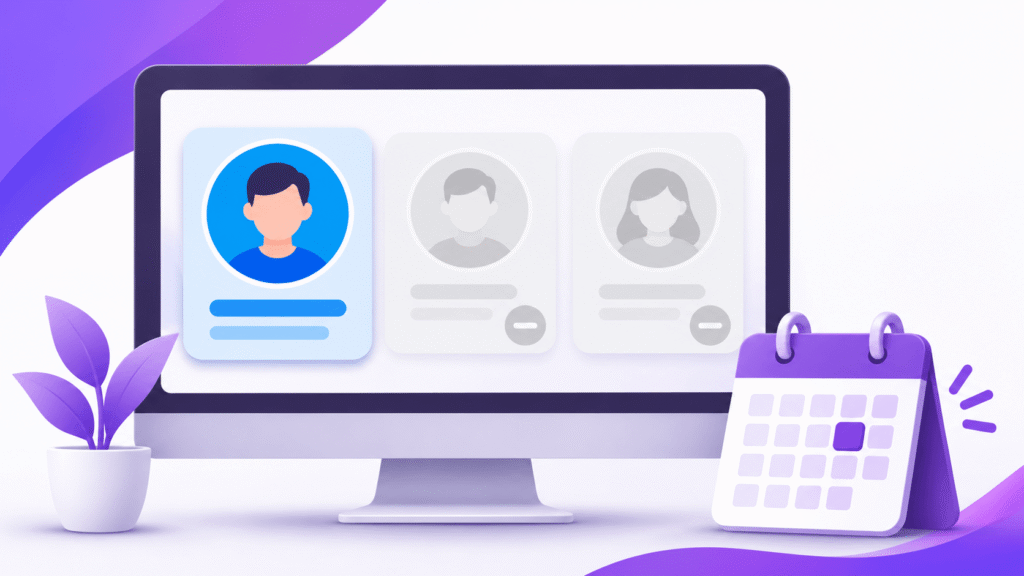
On 12 November 2026, Meta updated its original 2023 announcement to confirm that it would discontinue additional Facebook profiles.
Meta began notifying affected users by email and, where applicable, through Facebook notifications and Feed notices.
The company confirmed that profiles would be permanently removed after 14 December 2026.
That means users have a limited opportunity to preserve information and reorganise their connections before those additional profiles are removed.
| Date | What Happened |
| 21 September 2023 | Meta introduced multiple personal profiles on Facebook |
| 12 November 2026 | Meta announced the removal of additional profiles |
| 14 December 2026 | Deadline associated with exporting data and transferring group administration |
| After 14 December 2026 | Additional Facebook profiles are scheduled for permanent removal |
The key distinction is that Meta is discontinuing a specific feature, not shutting down Facebook accounts generally.
Why Is Meta Removing Additional Profiles?
Meta’s explanation centres on simplifying the Facebook experience.
When the feature launched, the company believed separate profiles would help users organise different communities and interests.
However, its November 2026 update explains that these additional profiles created complexity for users and made it harder for Meta to provide a consistent experience.
The company describes its decision as “simplifying to one profile.”
But what does that mean in practice?
The Difference Between a Useful Feature and a Sustainable Feature
Consider someone who manages three profiles.
One is used for family, one for local communities, and another for professional networking.
Although the arrangement provides separation, it also requires switching between different feeds, notifications, privacy settings and connections.
That additional complexity may not suit everyone.
From Meta’s perspective, simplifying account management could make the overall Facebook experience easier to maintain.
However, there is another side to this decision.
For people who genuinely benefitted from separate identities, removing the feature may mean losing a level of privacy and organisation they previously enjoyed.
The takeaway: Meta has explained its decision as a product simplification. It has not established that every user found the feature confusing, nor does the announcement demonstrate that all additional profiles were being misused.
Those distinctions matter when assessing what the change actually means.
Which Facebook Profiles Will Be Affected?
One of the biggest concerns surrounding this announcement is whether every secondary Facebook account will disappear.
The answer is no, at least not under the scope of Meta’s announced change.
There are several different ways people maintain a presence on Facebook, and they should not be confused.
Main Profile vs Additional Profile vs Facebook Page
| Facebook Presence | Description | Affected by the Announcement? |
| Main Facebook profile | The original personal profile created when signing up for Facebook | No |
| Additional Facebook profile | Extra personal profile created within the same Facebook account | Yes |
| Facebook Page | A presence representing a business, brand, organisation or public figure | No |
| Separately registered Facebook account | Another account created through a separate registration | Not specifically covered by this announcement |
| Facebook Group | A community where members interact around shared interests | Not directly removed, but administration may be affected |
According to Meta, the main profile is the first profile created when a person signs up for Facebook.
That main profile will remain available.
Facebook Pages will also remain unaffected by the announced removal.
What About a Second Account With Another Email Address?
A separately registered Facebook account is not the same thing as an additional profile created under the multiple-profiles feature.
Meta’s November announcement does not specifically address independently registered accounts.
However, this does not mean that creating duplicate or misleading accounts is a recommended workaround.
Facebook’s account authenticity policies still apply.
For business owners, the more sustainable approach is to manage business activities through an appropriately configured Facebook Page and authorised business access rather than relying on an additional personal identity.
What Happens to Your Friends, Groups and Content?
For many users, losing a profile is not simply about losing a username.
It’s about losing access to a familiar digital space.
Think about the friendships developed through local interest groups, photographs shared over time, or discussions that helped build a community.
An additional profile may have become an important part of someone’s Facebook experience.
Your Photos, Posts and Other Information
Meta allows affected users to export information associated with additional profiles before the deadline.
This is important because once the additional profile and its information are permanently deleted, users should not assume those records can be recovered.
An export helps preserve a personal copy of selected information.
However, downloading your Facebook data does not mean the additional profile itself will be restored or transferred to your main profile.
Your Friends and Community Connections
Facebook offers a feature called Review connections to some affected users.
Where available, it can help them identify friends, groups and Pages associated with an additional profile and reconnect through their main profile.
However, this is not an automatic migration of the entire social network.
You may still need to send friend requests, rejoin groups or follow Pages individually.
Some group memberships may also require approval from administrators.
That means a person with an extensive network should begin reconnecting well before the deadline.
What If You Manage a Facebook Group?
This is where the consequences become more serious.
Meta advises users whose additional profiles administer Facebook groups to assign a main Facebook profile as an administrator before 14 December 2026.
If no replacement administrator is assigned, the Facebook group may be paused until an administrator is added.
Consider a community with thousands of members discussing Penang food recommendations.
If the only administrator operates through an additional profile, the community could face an avoidable interruption.
For the group administrator, the priority should be ensuring that a surviving main profile has appropriate administrative access and that the access works.
What Should You Do Before 14 December 2026?
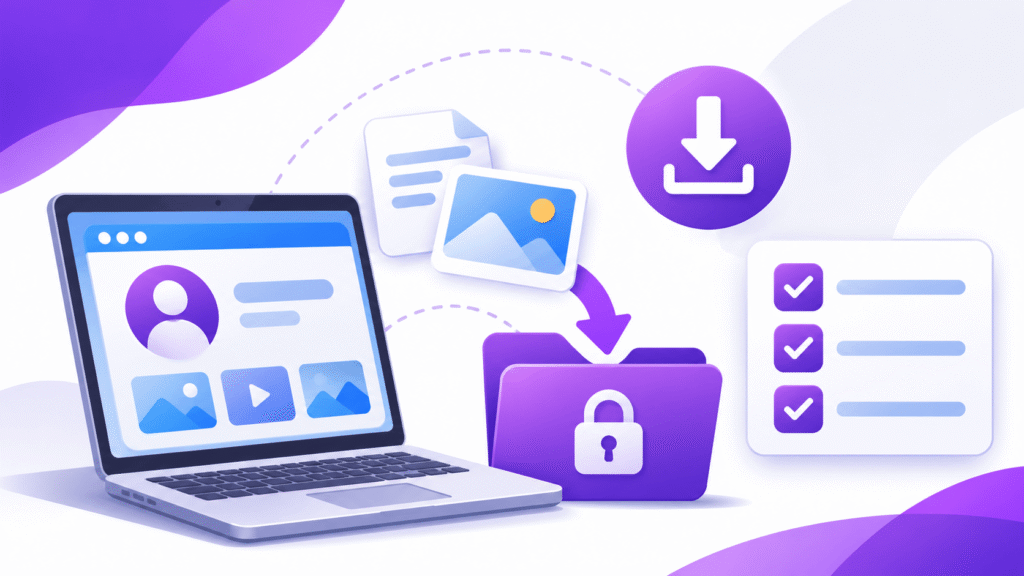
If you have an additional Facebook profile, there are three immediate priorities:
- Preserve information.
- Maintain important connections.
- Protect any communities or business assets you manage.
Here is a practical approach.
Step 1: Check Whether You Have an Additional Facebook Profile
Open Facebook and review the profiles accessible through your profile-switching menu.
Identify which profile is your original main profile and which ones were created as additional profiles.
Do not assume that every profile shown in an account-related menu is affected.
The relevant distinction is whether it was created through Facebook’s additional personal profiles feature.
Step 2: Export Your Facebook Profile Information
Facebook provides a process for exporting information from an additional profile.
The documented process is:
- Switch to the additional profile you want to export.
- Open Settings & privacy, followed by Settings.
- Find Your information and permissions.
- Select Export your information.
- Choose Create export and select the additional profile.
- Choose whether to export to your device or an external service.
- Select the information you wish to preserve and create the export.
Meta advises starting early because preparing the export can take time.
If you have more than one additional profile, export each individually.
Certain information, including some advertising-related information, may need to be obtained through an export of your main Facebook profile.
After downloading the files, check that they contain the records you intended to preserve.
Reference: Facebook Help Centre – Additional Facebook Profiles Are Going Away
Step 3: Reconnect With Your Friends and Groups
Next, check whether Facebook offers the Review connections option.
If available, use it to identify relevant friends, communities and followed Pages.
Otherwise, reconnect manually through your main profile.
Prioritise relationships that would be difficult to identify again later.
For example, a local community member might want to preserve connections with close friends before worrying about every Page they have ever followed.
For businesses, maintaining access to active customer communities may be more important than retaining inactive social connections.
Step 4: Transfer Facebook Group Administration
If an additional profile manages a Facebook Group, identify another suitable administrator using a main Facebook profile.
Check that the replacement has accepted the role and can access the necessary administrative features.
If the group is important to your business or community, having more than one trusted administrator can reduce dependence on a single individual.
The important point is not simply assigning a name.
It’s confirming that someone can actually continue managing the group after your additional profile is removed.
Step 5: Check Your Business Assets
Although Meta states that Facebook Pages are unaffected, businesses should still review who can manage their Pages and related assets.
If an additional profile was used in a work-related arrangement, verify whether your main profile or another authorised person can access:
- Facebook Pages
- Facebook Groups
- Meta Business Suite
- Advertising accounts
- Associated Instagram business assets
Meta’s announcement does not establish that all these business systems will lose access.
This is a precautionary audit, not confirmation that they will be deleted.
That distinction matters.
What Does This Mean for Malaysian Businesses?
At first glance, Meta’s announcement appears to be a personal-account issue.
But consider how smaller businesses actually operate.
A café owner may manage customer conversations through Facebook.
A property agent may maintain relationships within local community groups.
An ecommerce seller might rely on a particular profile for customer enquiries and repeat orders.
A marketing employee may administer a Facebook community on behalf of the company.
In each situation, the business should understand which Facebook identity holds the relationships and responsibilities.
Risk 1: Losing Access to Customer Relationships
Consider a hypothetical boutique retailer in Penang.
The owner created an additional Facebook profile to participate in fashion communities without mixing those conversations with family posts.
Over time, that profile became a familiar identity among returning customers.
The challenge is not merely that the profile will disappear.
It is that customers may no longer know where to find the person they previously interacted with.
A practical response: Notify important contacts about the transition, direct customers to the official Facebook Page or another appropriate business channel, and make it easy for them to recognise the business.
This will not automatically transfer every relationship, but it can reduce confusion.
Risk 2: Community Management Disruption
Consider a hypothetical Malaysian property community managed by an additional Facebook profile.
Members use the group to discuss neighbourhood developments, housing options and local services.
If its administrator does not arrange alternative access before the deadline, the group could be paused.
The business consequence is straightforward: a communication channel that people depend on may stop functioning normally.
The lesson is to separate community ownership and administration from a single person’s temporary account arrangement.
Risk 3: Overdependence on One Platform
There is also a broader strategic question.
What happens when a platform changes the features your business relies on?
Facebook Pages, community groups and advertising tools remain useful.
But businesses do not control the platforms themselves.
Policies, account functionality and access arrangements can change.
A practical business strategy therefore includes maintaining reliable customer touchpoints beyond one social media profile.
That might mean an official website, a properly managed contact database, an email list, or a business WhatsApp channel used with appropriate customer consent.
Our article on social media trends shaping marketing in 2026 explores why businesses should pay attention to community management and changes in online discovery.
The bigger lesson is that growing an audience is only part of marketing.
Maintaining the ability to communicate with that audience matters just as much.
A Practical Facebook Account Protection Checklist
Businesses don’t necessarily need a complete social media restructuring because of this announcement.
They need to identify any genuine dependencies and address them.
Use this checklist to guide the review.
| What to Check | Recommended Action | Priority |
| Additional personal profiles | Identify all affected profiles | High |
| Important profile information | Export and verify downloaded data | High |
| Facebook Group Administration | Assign and verify a main-profile administrator | Critical |
| Friends and community memberships | Review connections and reconnect | High |
| Facebook Page management | Confirm appropriate Page access | High |
| Meta Business Suite and ad accounts | Review authorised people and permissions | High |
| Customer contact channels | Direct customers to reliable official channels | Medium |
| Internal documentation | Record the business assets and authorised owners | Medium |
A useful approach is to assign one responsible person to coordinate the review.
For a small business, this may be the owner.
For a larger company, it may be a marketing manager or someone responsible for digital operations.
The priority is ensuring that essential changes are completed before the deadline rather than discovering an access problem after the profile disappears.
What Businesses Should Learn From Meta’s Decision
Meta’s decision is a timely reminder that digital marketing depends on both opportunity and operational stability.
When a platform introduces a new feature, businesses naturally explore how it can improve communication, reach or convenience.
But the presence of a feature today does not guarantee that it will remain available indefinitely.
Build Communities Around Your Business, Not One Employee
An important Facebook Group should not depend solely on a profile that only one employee controls.
Where possible, maintain appropriate administrative coverage, clear responsibilities and documented access procedures.
This helps when people leave the company, change responsibilities or encounter account problems.
Treat Social Media Connections Differently From Owned Business Records
Social media followers and friends can be valuable.
However, they are not interchangeable with customer records your business can legitimately retain and use.
Businesses should build permission-based contact channels and avoid assuming that all platform connections can be exported or migrated.
For example, collecting enquiries through an official website may allow you to maintain customer information and follow up through an appropriate channel, subject to applicable privacy requirements.
That does not replace Facebook.
It complements it.
Review Your Digital Marketing Strategy Periodically
Today, the change concerns additional Facebook profiles.
Tomorrow, another platform could modify how businesses access features, distribute content or manage customer conversations.
It would be speculative to predict which feature Meta might discontinue next.
A more useful approach is to establish a regular account and channel review.
Ask yourself:
- Which marketing channels bring meaningful enquiries?
- Who controls those accounts?
- What happens if a person loses access?
- Can customers still find the business through other channels?
- Are important content and operational records backed up appropriately?
Businesses that can answer these questions are better positioned to handle future changes without reacting in a panic.
This is also why a Facebook marketing strategy should consider more than advertising performance. Account governance, communication continuity and customer experience all affect how reliably a business can use the platform.
Frequently Asked Questions
No. Meta’s announcement specifically concerns additional Facebook profiles created under an existing Facebook account. It does not announce the deletion of every separately registered account or Facebook Page.
Meta says they will be permanently removed after 14 December 2026. Affected users should complete exports and administrative changes before that date rather than leaving them until the final day.
No. Meta has confirmed that the original main Facebook profile is not affected by the announced removal of additional profiles.
Facebook provides ways to export information and may offer Review connections to help users reconnect with friends, groups and Pages. However, there is no confirmed complete profile transfer that preserves the additional profile itself.
Meta states that Facebook Pages are not affected by the removal. However, businesses should still verify their Page access and administrator arrangements, especially where additional profiles have been used for work.
Meta advises assigning a main profile as an administrator before the deadline. Otherwise, the group will be paused until an administrator is added.
Users should not rely on being able to retrieve information after permanent deletion. The recommended action is to export relevant information in advance, and verify that the export contains what they want to preserve.
No. The change concerns a specific profile feature, not Facebook’s overall usefulness for marketing. Businesses can continue using Facebook Pages, groups and relevant marketing tools while improving their account management and reducing unnecessary dependence on individual profiles.
Conclusion: Don’t Let a Profile Change Become a Business Problem
For many Facebook users, an additional profile was simply a convenient way to keep personal interests, communities and professional interactions separate.
For others, it became a familiar online identity carrying meaningful conversations and relationships.
Meta’s decision to remove additional profiles after 14 December 2026 means those users now need to take practical steps to preserve what matters.
Export important information, reconnect with relevant communities, and make sure any Facebook Groups you manage have an appropriate administrator.
For businesses, the lesson goes beyond this particular deadline.
A reliable digital presence should not depend entirely on one profile, one employee or one platform feature.
If your company relies heavily on Facebook for enquiries, customer communication or community engagement, this may be a useful opportunity to review how your accounts, access arrangements and marketing channels are managed.
An experienced team can help identify unnecessary dependencies and make sure your digital marketing activities are supported by a more consistent strategy.
You can explore Zumax Digital’s Facebook marketing services or speak with our team if you’re reviewing your company’s social media setup and longer-term marketing direction.